Reddit notifications
How to turn off Reddit notifications on Android
To turn off Reddit notifications on Android, open your phone’s Settings → Notifications → App notifications → Reddit and turn off All Reddit notifications. To keep replies and messages but drop the rest, open the Reddit app, tap your avatar → menu (three lines) → Settings → Account settings → Manage notifications, and turn off Trending posts and anything else you skip. To quiet one subreddit, tap the bell next to Joined and choose Off. Menu names vary a little by Reddit version and phone.

Most Reddit notifications are not about you. A replies-to-your-comment alert is one thing; “trending in a community you visited once” is a reason to open the app that Reddit picked for you. The good news is that Reddit lets you turn off each type on its own, set every subreddit to Off, and Android adds a master switch on top.
How do you turn off Reddit notifications in Android settings?
This is the hard stop. It works the same for any app, per Google’s Android notification help:
- Open your phone’s Settings and tap Notifications.
- Tap App notifications, then Reddit. On some phones it is Settings → Apps → Reddit → Notifications.
- Turn off All Reddit notifications to stop every push and banner from Reddit on this phone.
The same screen lists the categories Reddit uses, so you can leave the master switch on and turn off only some of them. The names change between app versions, which is why the in-app settings below are usually the easier place to choose. For the general version for any app, see how to turn off notifications for specific apps.

How do you choose which notifications Reddit sends?
Inside the app, Reddit has a switch for each notification type. Per Reddit’s notification settings help and its Android app FAQ:
- Tap your avatar to open your profile.
- Tap the menu (three lines) near the top right, then Settings.
- Tap Account settings under General.
- Tap Manage notifications under Contact settings.
- Turn off the types you do not want.
The list is long and grouped. As a rule of thumb:
- Keep: private messages, chat messages, replies to your comments, comments on your posts, and mentions of your username. These are people talking to you.
- Turn off: anything under Recommendations, such as trending posts and community suggestions, plus upvote alerts, new-follower alerts, and similar activity counters. These are reasons to open the app, not messages.
How do you stop trending notifications on Reddit?
Trending notifications are about popular posts from communities you have recently visited. Per Reddit’s trending notifications help, in Manage notifications, scroll to Recommendations and turn off Trending posts.
Reddit’s help is clear that you cannot turn off trending notifications for one specific community. It is all or nothing. For most people, nothing is the right answer: if a post is worth seeing, it will still be there when you open Reddit on purpose.
How do you turn off notifications from one subreddit?
Each community you join has its own notification level. Reddit’s join or leave a community help notes the bell icon beside the Joined button sets it:
- Open the community.
- Tap the bell next to Joined.
- Choose Off to stop that community’s alerts, or Low for fewer. Frequent sends the most.
To set many at once, open Manage notifications and find the communities list (often under Updates or Community alerts). Each community has the same three bells: one with a slash for Off, a plain one for Low, and one with lines for Frequent. Leaving a community also ends its alerts, but you do not have to leave to stop them.
How do you stop reply notifications on one post?
A popular comment can bring in replies for days. To stop them for that one post or comment:
- Open your post or comment.
- Tap the three dots (⋯).
- Turn off reply notifications for it. The exact label changes between app versions.
If your version does not offer it, turn off Replies to your comments or Comments on your posts in Manage notifications. That applies to everything you post, so turn it back on later if you want it.
What about Reddit emails?
Push notifications and email are set separately, so turning off one does not stop the other. In the app, open Settings → Account settings → Manage emails and turn off the emails you do not want, or use the unsubscribe link at the bottom of any Reddit email. Account and security emails may still arrive. If your Gmail app is the one buzzing, see how to turn off Gmail notifications on Android.
What about Do Not Disturb and Focus mode?
- Do Not Disturb. Quiet hours across every app, per Google’s Do Not Disturb help. Leave Reddit off the list of apps allowed to break through. See how to turn on Do Not Disturb.
- Snooze one notification. Touch and hold it and snooze it if your phone offers that. See how to snooze notifications on Android.
- Focus mode / Digital Wellbeing. Pause Reddit during work, school, or evenings. Per Google’s Focus mode help and Digital Wellbeing help, add Reddit to Focus mode or set an app timer. More detail: Focus mode and app timers.
Which option should you pick?
| Option | What it stops | Use it for |
|---|---|---|
| Android: All Reddit notifications | Every Reddit push and banner. | A hard stop with no end time. |
| Manage notifications | Chosen types, like trending or upvotes. | Keeping replies and messages, dropping the rest. |
| Trending posts off | Popular-post pushes from communities you visited. | Almost everyone. |
| Community bell: Off or Low | One subreddit’s alerts. | Busy subreddits you still read. |
| Post ⋯: reply notifications off | Replies on one post or comment. | A thread that took off. |
| DND / Focus / app timer | Alerts (or the app) for a set stretch. | Work blocks, nights, weekends. |
A good default: turn off everything under Recommendations, turn off upvote and follower alerts, set every community bell to Off, and keep messages and replies. Then Reddit only buzzes when a person wants you.

What if Reddit notifications keep coming?
I turned off notifications, but subreddit alerts still show up
- Community alerts are set per community. Check the bell next to Joined for each one, or set them all to Off in the communities list in Manage notifications.
- Joining a new community can turn its alerts on. Check the bell each time you join.
New kinds of notifications appeared after an update
- App updates sometimes add new types that start switched on. Open Manage notifications again after a big update.
The alerts are emails, not pushes
- Turn them off in Manage emails, or use the unsubscribe link in the email.
I want them back, and nothing shows
- Turn Reddit back on in Settings → Notifications → App notifications, check the types in Manage notifications, and check Do Not Disturb and battery settings.
Where ReClaim fits
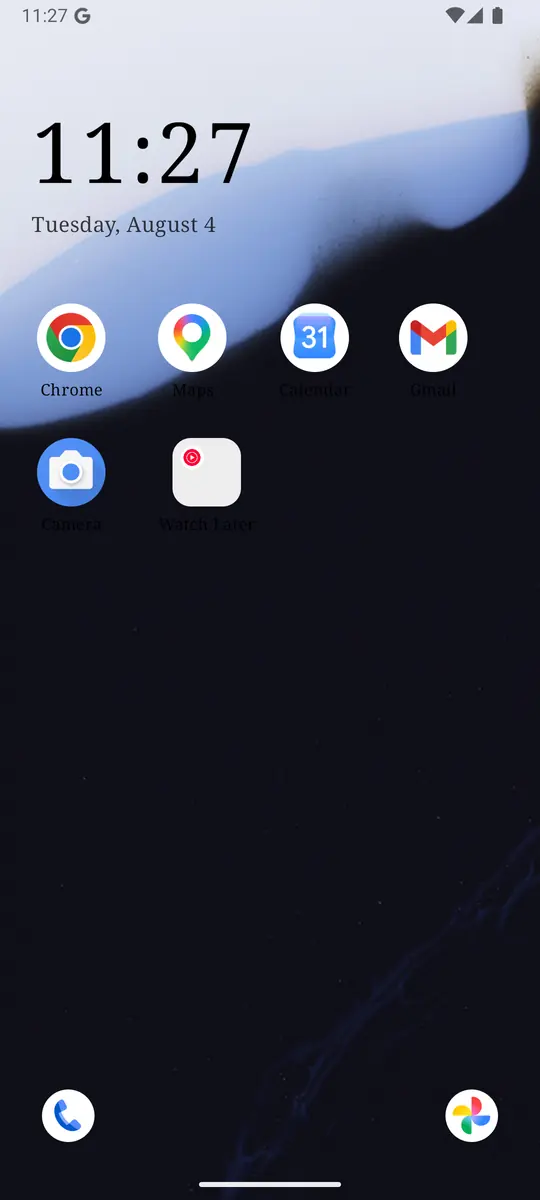
ReClaim is the Android launcher we build. It does not read or change your notifications, and it does not touch Reddit’s settings, so everything above keeps working as described. What ReClaim changes is what you see when you unlock: a home screen with a clock and the few apps you choose, and a plain alphabetical list of names for everything else. On top of that:
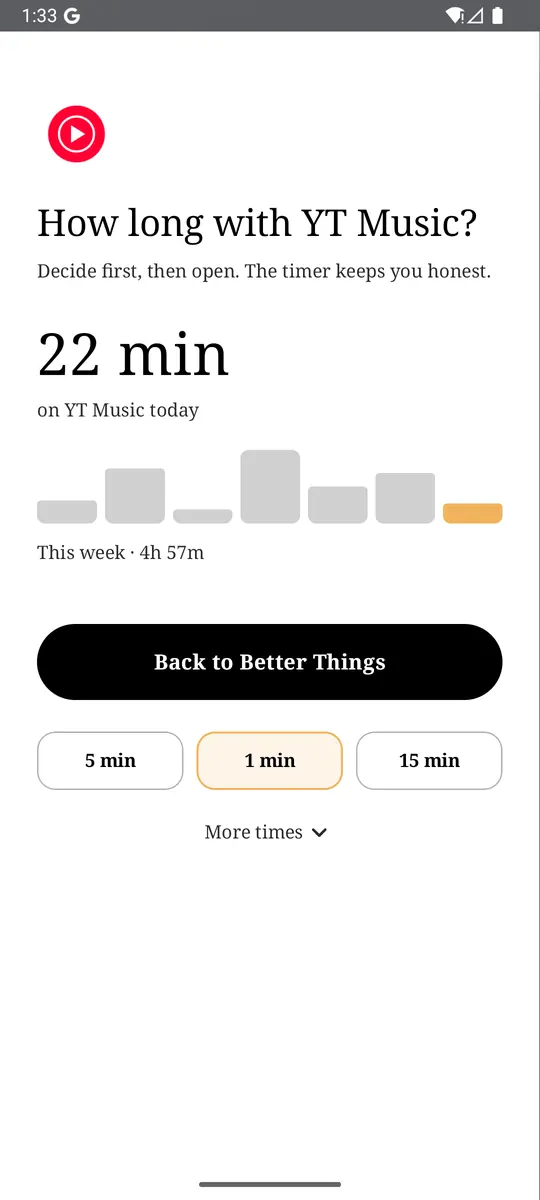
- App reminders. Before an app opens, ReClaim asks how long you intend to use it, then nudges you when that time is up.
- Daily and weekly limits. Give an app a budget. When it is up, ReClaim can close it.
- Blocking and scheduled blocking. Block an app for a set time, or set recurring windows, like school or work hours, when selected apps are not available.
- Hidden apps with friction. Hide an app with four levels of hiding, and put one of 10+ unlock challenges in front of it.
Turning off notifications removes Reddit’s reasons to call you back. The other half is the habit of opening it yourself, often with no reason at all. You could keep Reddit off your home screen, set an app reminder so you pick a time before it opens, and give it a daily limit. If you want to try it, see how to change the default launcher on Android; switching back is the same setting. For the scrolling itself, see how to stop doomscrolling on Android.
Turn off Trending posts, set your three busiest subreddits to Off, and switch off upvote alerts. If you also want a pause before the apps you open on autopilot, try ReClaim. It is free, works on Android 8.0 and newer, and you can switch back to your old home app any time from Settings → Apps → Default apps. Get it free on Google Play.
Questions
How do I turn off Reddit notifications on Android?
For a hard stop, open your phone’s Settings, then Notifications, then App notifications, tap Reddit, and turn off All Reddit notifications. To keep some, open the Reddit app instead: tap your avatar, the menu (three lines), Settings, Account settings, then Manage notifications, and turn off the types you do not want.
How do I stop trending notifications on Reddit?
In the Reddit app, tap your avatar, then the menu (three lines), then Settings. Tap Account settings, then Manage notifications, scroll to Recommendations, and turn off Trending posts. Reddit’s help says you cannot turn trending notifications off for just one community, only all of them.
How do I turn off notifications from one subreddit?
Open the community and tap the bell icon next to the Joined button, then choose Off. Low sends fewer alerts and Frequent sends more. You can also set every community at once from the communities list in Manage notifications.
How do I stop reply notifications on one Reddit post?
Open your post or comment, tap the three dots (⋯), and look for the option to turn off reply notifications for it. The label changes between app versions. If you do not see it, turn off the reply types in Manage notifications instead, which applies to all your posts.
Will turning off Reddit notifications stop Reddit emails?
No. Push notifications and emails are set separately. In the Reddit app, open Settings, then Account settings, then Manage emails, and turn off the emails you do not want. Account and security emails may still arrive.
Why do I still get Reddit notifications after turning them off?
Usually one of three things: a community bell is still on Low or Frequent, a new category was added in an app update and is on by default, or the alerts are emails rather than pushes. Turning off Reddit in Android’s App notifications stops every Reddit push on that phone.