Discord notifications
How to turn off Discord notifications on Android
To turn off Discord notifications on Android, open your phone’s Settings → Notifications → App notifications → Discord and turn off All Discord notifications, or turn off only the categories you do not want, like server messages or direct messages. To quiet one server instead, open it, tap the server’s name → Notifications → Mute, and pick how long. To quiet one channel, touch and hold it, tap Notification Settings, and choose Nothing or Mute. Menu names vary a little by Discord version and phone.

Discord can be a dozen group chats running at once. A meme channel, a server you joined for one event, a role ping in the middle of dinner. Most of it can wait. Discord lets you mute servers and channels, keep only the messages that mention you, and Android adds a master switch on top.
How do you turn off Discord notifications in Android settings?
On Android, Discord’s app-wide notification switches are in your phone’s settings, not inside Discord. Per Discord’s mobile notification settings help:
- Open your phone’s Settings and tap Notifications.
- Tap App notifications, then Discord. On some phones it is Settings → Apps → Discord → Notifications.
- Turn off All Discord notifications to stop every push and banner from Discord.
If you only want some of it gone, leave the master switch on and open the categories instead. Discord groups them as Real-time (such as Voice connected), Server (Forum notifications and Messages), and Social (Direct messages, Friend requests, Reaction Notifications, and Friend Activity). Each category has its own switch for everything inside it. For the general version for any app, see how to turn off notifications for specific apps, and Google’s Android notification help.

How do you mute a Discord server on Android?
Usually one or two servers make most of the noise. Per Discord’s help:
- Open the server and tap the server’s name at the top.
- Tap Notifications.
- Tap Mute and pick how long: 15 minutes, 1 hour, 3 hours, 8 hours, 24 hours, or Until I turn it back on.
The server keeps working as usual. You can still read every channel; you just stop getting buzzed for it. Discord’s channel muting help notes that a muted server can still notify you about mentions aimed at you, such as @username, @role, @everyone, or @here. The next section covers those.
How do you keep only @mentions from a server?
For a server you do not want to fully mute, like a team or class server, narrow it down instead. In the same server name → Notifications screen:
- Only @mentions. Only messages that mention you, your role, @everyone, or @here notify you. Nothing stops message notifications from the server entirely.
- Suppress @everyone and @here. Stops the mass pings that hit every member.
- Suppress All Role @mentions. Stops pings sent to a role you hold, like @members.
- Mobile Push Notifications. Turn this off to stop that server’s pushes to your phone.
- Mute New Events. Stops alerts about new server events.
A good middle ground for most servers: Only @mentions plus Suppress @everyone and @here. You still hear about it when someone needs you by name, and nothing else.
How do you mute one Discord channel?
Sometimes the server is fine and one channel is the problem. Per Discord’s notification settings help:
- Touch and hold the channel’s name.
- Tap Notification Settings.
- Choose Nothing to stop notifications from that channel, or Mute to silence everything in it, including mentions.
Channel settings override the server’s settings, so you can keep a server on All Messages and still silence its busiest channels. To set several channels at once, use Notification Overrides in the server’s Notifications screen.
How do you stop Discord DM and friend notifications?
Direct messages and friend activity sit in the Social category of Discord’s Android notification settings:
- Open Settings → Notifications → App notifications → Discord.
- Open the Social category.
- Turn off the ones you do not want: Direct messages, Friend requests, Reaction Notifications, or Friend Activity.
Reactions and friend activity are easy to switch off. They rarely need an answer, and each one is another reason to open the app.
What about Do Not Disturb and Focus mode?
- Do Not Disturb. Quiet hours across every app, per Google’s Do Not Disturb help. Leave Discord off the list of apps allowed to break through. See how to turn on Do Not Disturb.
- Snooze one notification. Touch and hold it and snooze it if your phone offers that. See how to snooze notifications on Android.
- Focus mode / Digital Wellbeing. Pause Discord during work, school, or evenings. Per Google’s Focus mode help and Digital Wellbeing help, add Discord to Focus mode or set an app timer. More detail: Focus mode and Digital Wellbeing.
Which option should you pick?
| Option | What it stops | Use it for |
|---|---|---|
| Android: All Discord notifications | Every Discord push and banner. | A hard stop with no end time. |
| Android: categories | Chosen types, like DMs or reactions. | Keeping some alerts, dropping the rest. |
| Mute server | A server’s alerts, for the time you pick. | Busy servers you still read sometimes. |
| Only @mentions + suppress | Everything except pings to you. | Team, class, or friend servers. |
| Channel: Nothing or Mute | One channel’s alerts. | Meme, bot, or giveaway channels. |
| DND / Focus / app timer | Alerts (or the app) for a set stretch. | Work blocks, nights, weekends. |
A good default: mute every server you joined for one thing, set the rest to Only @mentions, turn off reactions and friend activity, and use Do Not Disturb at night. Then open Discord when you choose to, not every time it pings.

What if Discord notifications keep coming?
I muted the server, but I still get pings
- Mentions aimed at you can still come through. Turn on Suppress @everyone and @here and Suppress All Role @mentions, or turn off Mobile Push Notifications for that server.
- A mute with a time limit ends on its own. Pick Until I turn it back on if you want it to stay.
The alerts are DMs, not servers
- Server mutes do not cover direct messages. Turn off Direct messages in the Social category of Discord’s Android notification settings.
I want them back, and nothing shows
- Turn Discord back on in Settings → Notifications → App notifications, check that the categories you want are on, and unmute servers and channels. Also check Do Not Disturb and battery settings.
Where ReClaim fits
ReClaim is the Android launcher we build. It does not read or change your notifications, and it does not touch Discord’s settings, so everything above keeps working as described. What ReClaim changes is what you see when you unlock: a home screen with a clock and the few apps you choose, and a plain alphabetical list of names for everything else. On top of that:
- App reminders. Before an app opens, ReClaim asks how long you intend to use it, then nudges you when that time is up.
- Daily and weekly limits. Give an app a budget. When it is up, ReClaim can close it.
- Blocking and scheduled blocking. Block an app for a set time, or set recurring windows, like school or work hours, when selected apps are not available.
- Hidden apps with friction. Hide an app with four levels of hiding, and put one of 10+ unlock challenges in front of it.
If checking Discord “just in case” is the habit you want to break, you could keep it off your home screen and give it a daily limit, so you catch up in a few sittings instead of all day. If you want to try it, see how to change the default launcher on Android; switching back is the same setting. If you mostly open your phone without meaning to, see how to stop opening apps on autopilot.
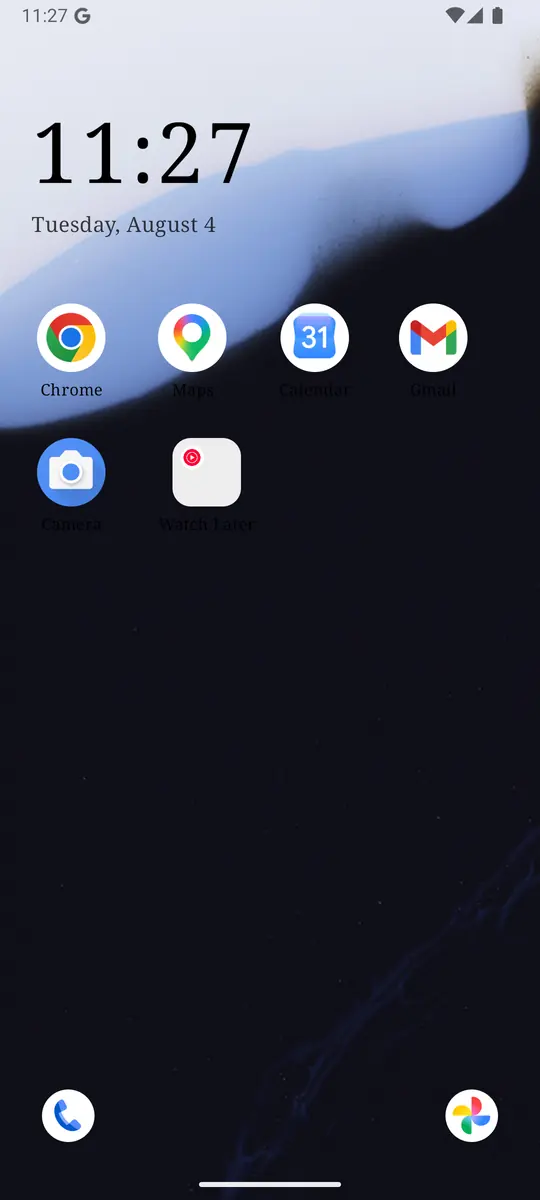
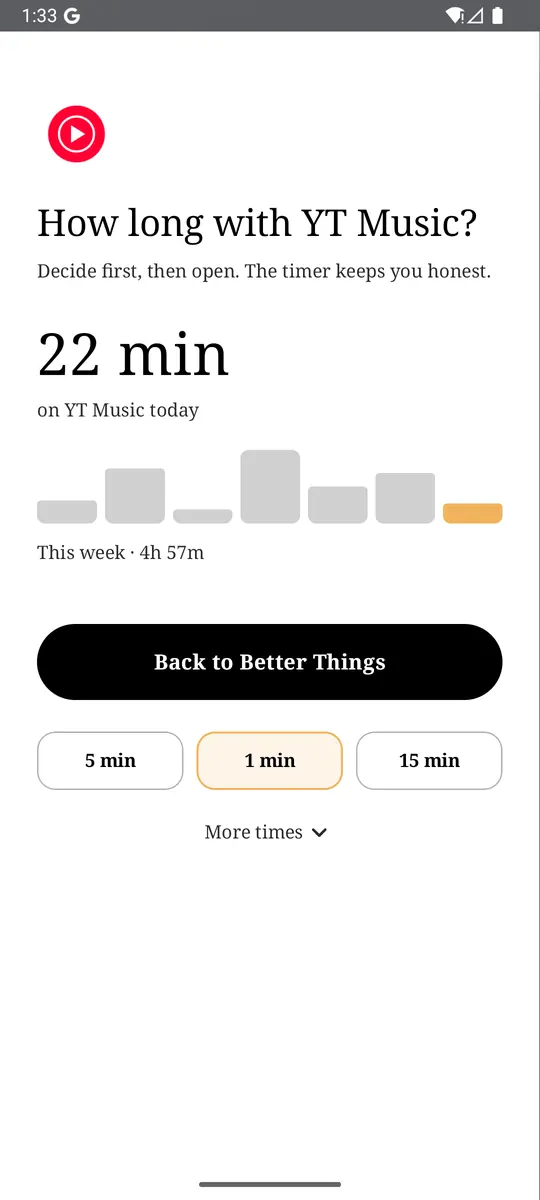
Mute your two busiest servers, switch off Reaction Notifications, then turn on Do Not Disturb for the night. If you also want a pause before the apps you open on autopilot, try ReClaim. It is free, works on Android 8.0 and newer, and you can switch back to your old home app any time from Settings → Apps → Default apps. Get it free on Google Play.
Questions
How do I turn off Discord notifications on Android?
On Android, Discord’s app-wide notification switches live in your phone’s settings. Open Settings, then Notifications, then App notifications, tap Discord, and turn off All Discord notifications. To quiet only some servers or channels, mute them inside Discord instead.
How do I mute a Discord server on Android?
Open the server, tap the server’s name, then tap Notifications and tap Mute. Pick 15 minutes, 1 hour, 3 hours, 8 hours, 24 hours, or Until I turn it back on.
How do I mute one Discord channel on my phone?
Touch and hold the channel’s name, tap Notification Settings, and choose Nothing or Mute. Nothing stops notifications from that channel, and Mute silences everything in it, including mentions. Channel settings override the server’s settings.
Will a muted Discord server still notify me about mentions?
It can. Discord’s help says muting a server is not immune to notifications aimed at you personally, such as @username, @role, @everyone, or @here mentions. To cut those too, turn on Suppress @everyone and @here and Suppress All Role @mentions in the server’s Notifications, or turn off Mobile Push Notifications for that server.
How do I stop Discord DM notifications on Android?
Open your phone’s Settings, then Notifications, then App notifications, and tap Discord. Under the Social category, turn off Direct messages. The same category also has Friend requests, Reaction Notifications, and Friend Activity, which you can turn off one by one.
Does muting a Discord server tell anyone?
Muting changes your own notification settings. It is not the same as leaving the server or blocking someone, and Discord’s help does not describe muting as something other members are told about. Messages keep arriving in the server as usual.